





Toy Story Birthday Table Signs – Woody & Jessie Cowboy Western Party Decor, Editable Canva Template
✔ Editable in Canva: all text and fonts
✔ Print at home or send by text and email
✔ Instant digital download
Digital product only. Nothing will be shipped.
💕 Shop with confidence – Secure Checkout • Instant Digital Access • Friendly Customer Support
Original price was: $14.99.$7.50Current price is: $7.50. 50% off · Limited time sale
VAT Included
Highlights
Designed byDesign Mercury
Digital download
No physical item will be shipped.
Digital file type(s): 1 PDF
Files are available to download after successful payment.
Description
★ INSTANT DIGITAL DOWNLOAD ★
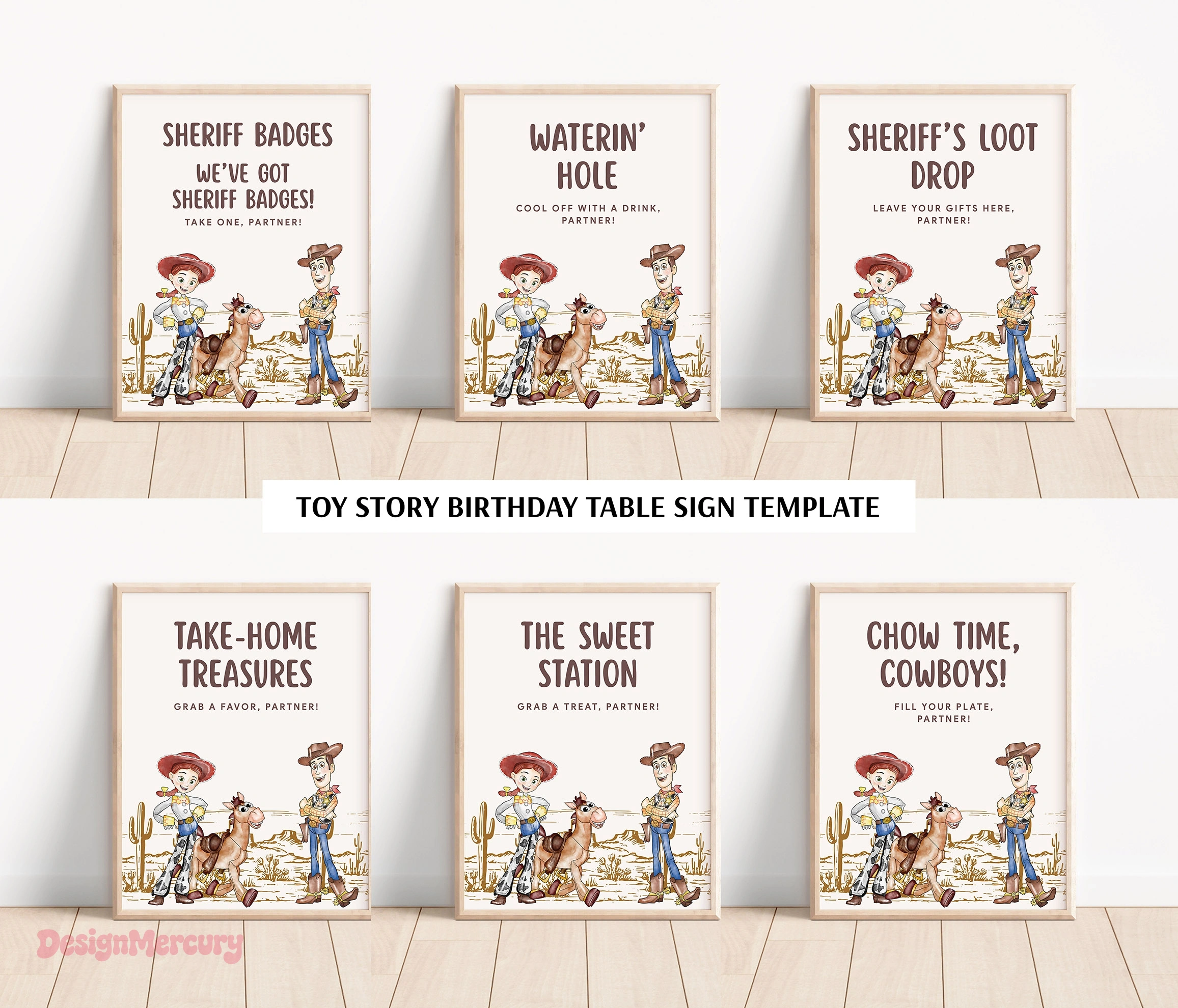
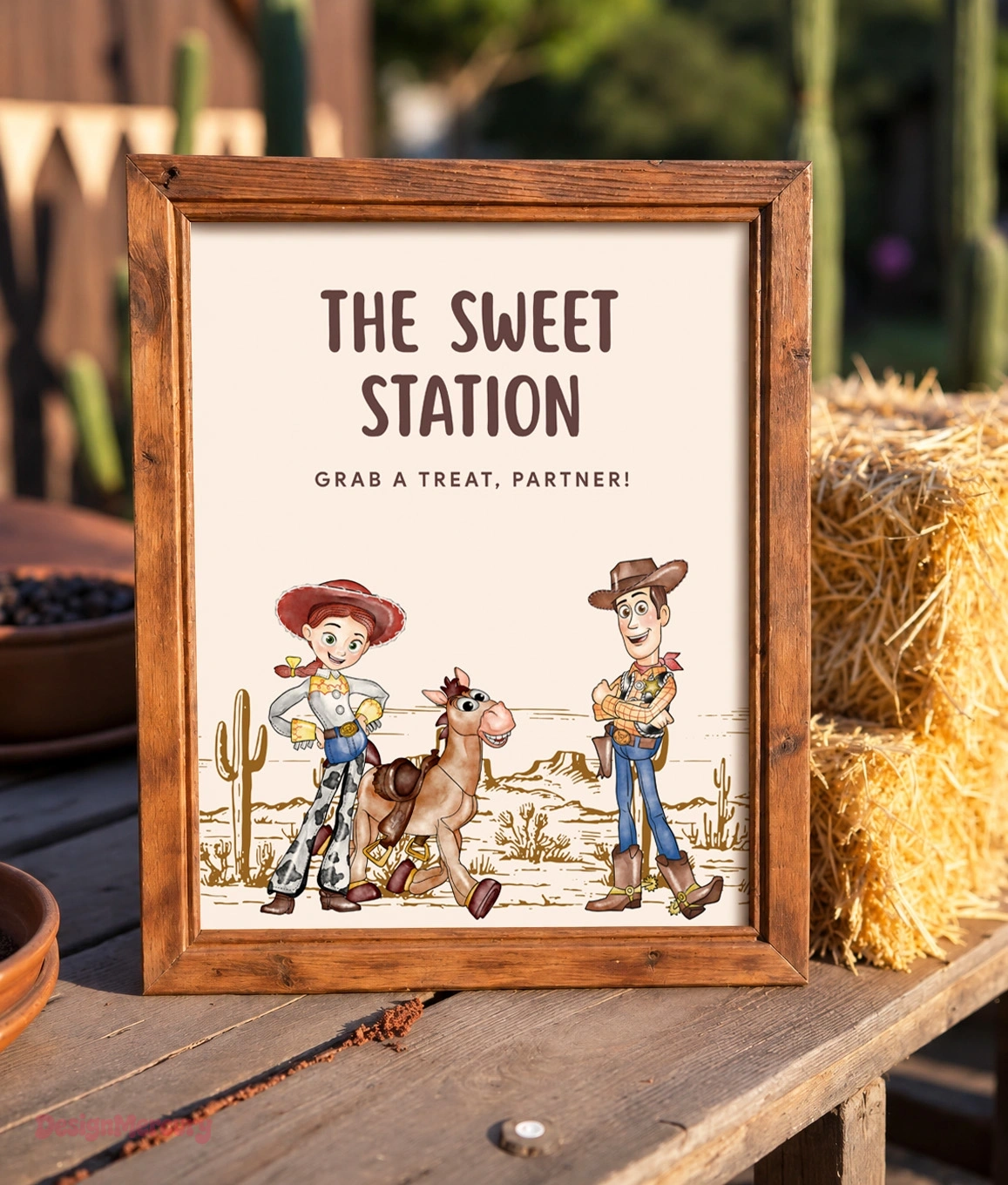
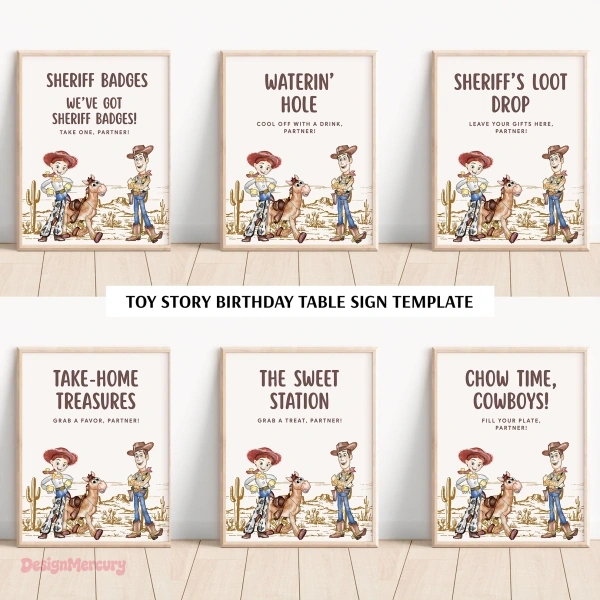
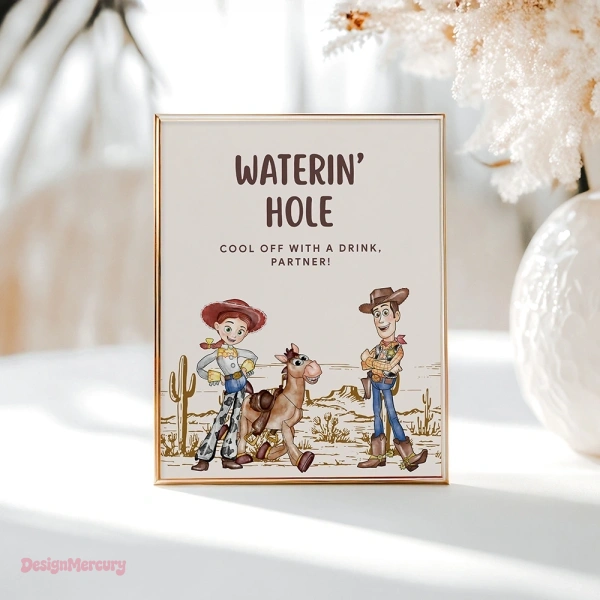
Bring a fun Wild West adventure to your Toy Story birthday party with this set of 6 editable birthday table signs featuring Woody, Jessie, and Bullseye. Designed with a charming cowboy theme, these printable party signs are perfect for organizing your sheriff badge station, drink area, gift table, treats, and food displays. Customize the text in Canva and print for your celebration.
This is a digital product. No physical item will be shipped to your home.
📦 WHAT YOU GET
- 1 PDF file containing the link to open your template in Canva
6 Toy Story Birthday Table Signs – 8 × 10 inches
✏️ WHAT YOU CAN & CANNOT EDIT
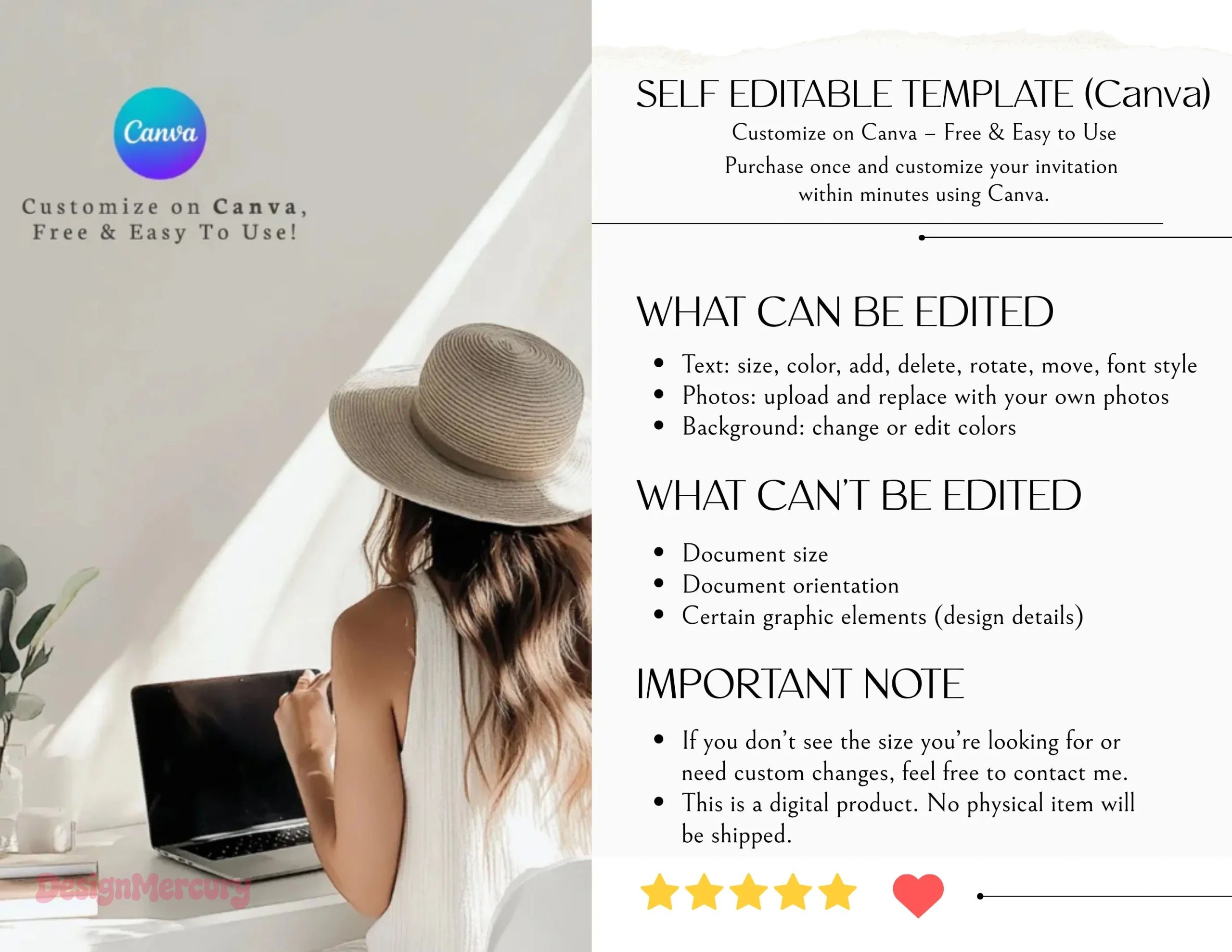
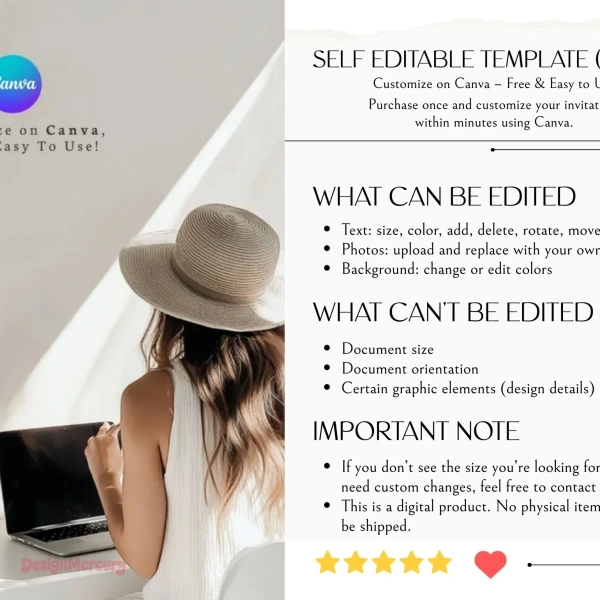
✓ WHAT YOU CAN EDIT
• All text: names, age, date, time, party address, RSVP details and wording.
• Fonts, font sizes and text colors.
• Text positions: move, resize or add text boxes in Canva.
• Photos: add your own photos in the designated photo frames (only in designs that include photo frames).
✕ WHAT YOU CANNOT EDIT
• Illustrations, images and decorative graphics.
• The colors of the original artwork and the background.
• The template size (shown in “What You Get”).
📌 PLEASE NOTE
• This is a DIY template. We do not edit the template for you and we do not offer custom changes to the artwork.
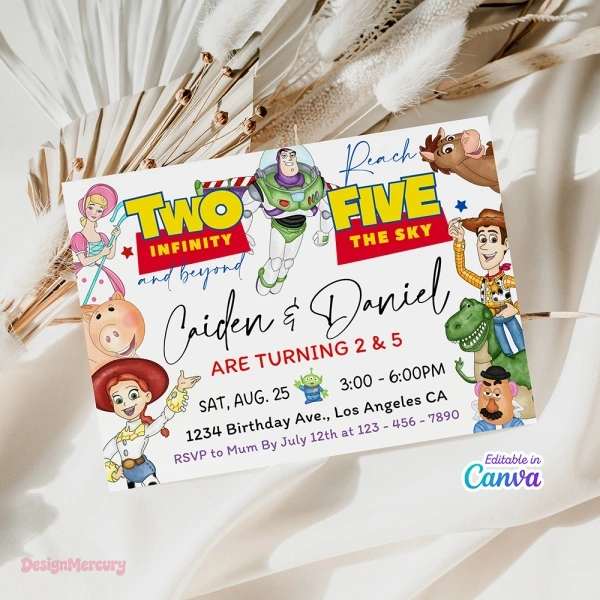
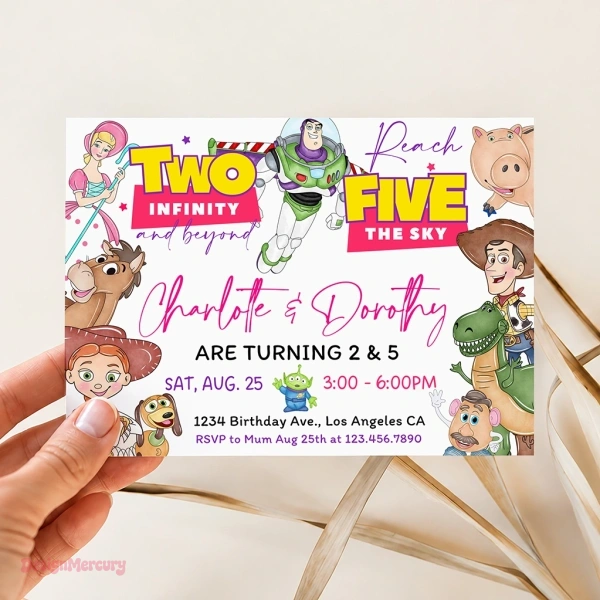
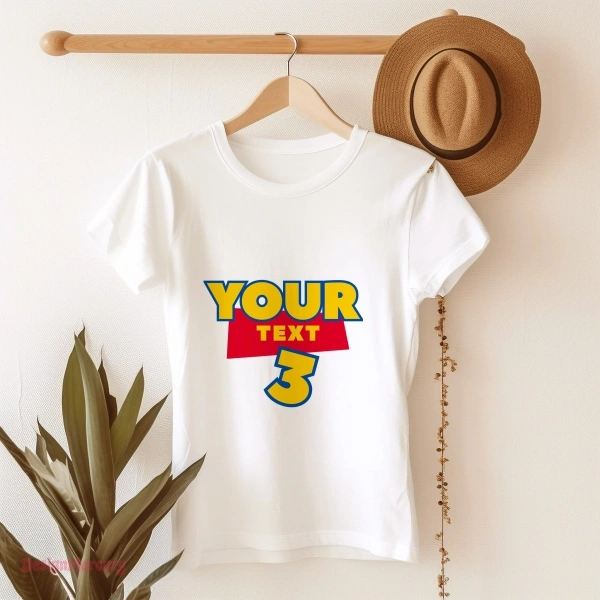
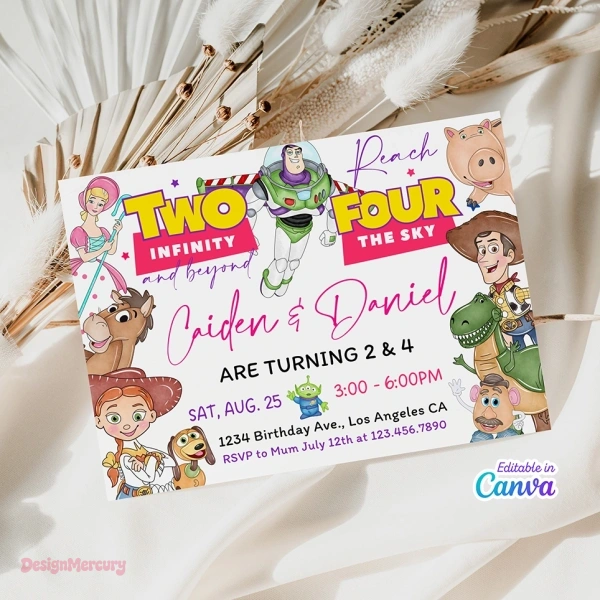
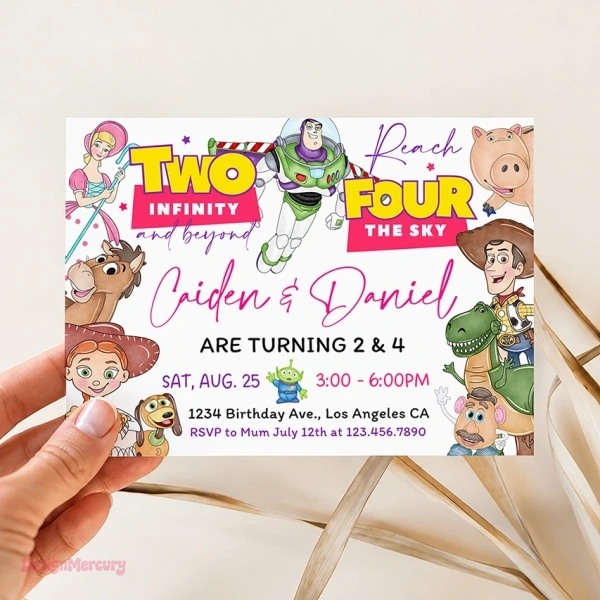
• The sample names, dates, photos and text in the preview images are placeholders. Please replace them with your own details.
• Mockup backgrounds, props and photos in the preview (hands, paper, flowers, cupcakes, frames, etc.) are for display only and are not included.
🛒 HOW IT WORKS
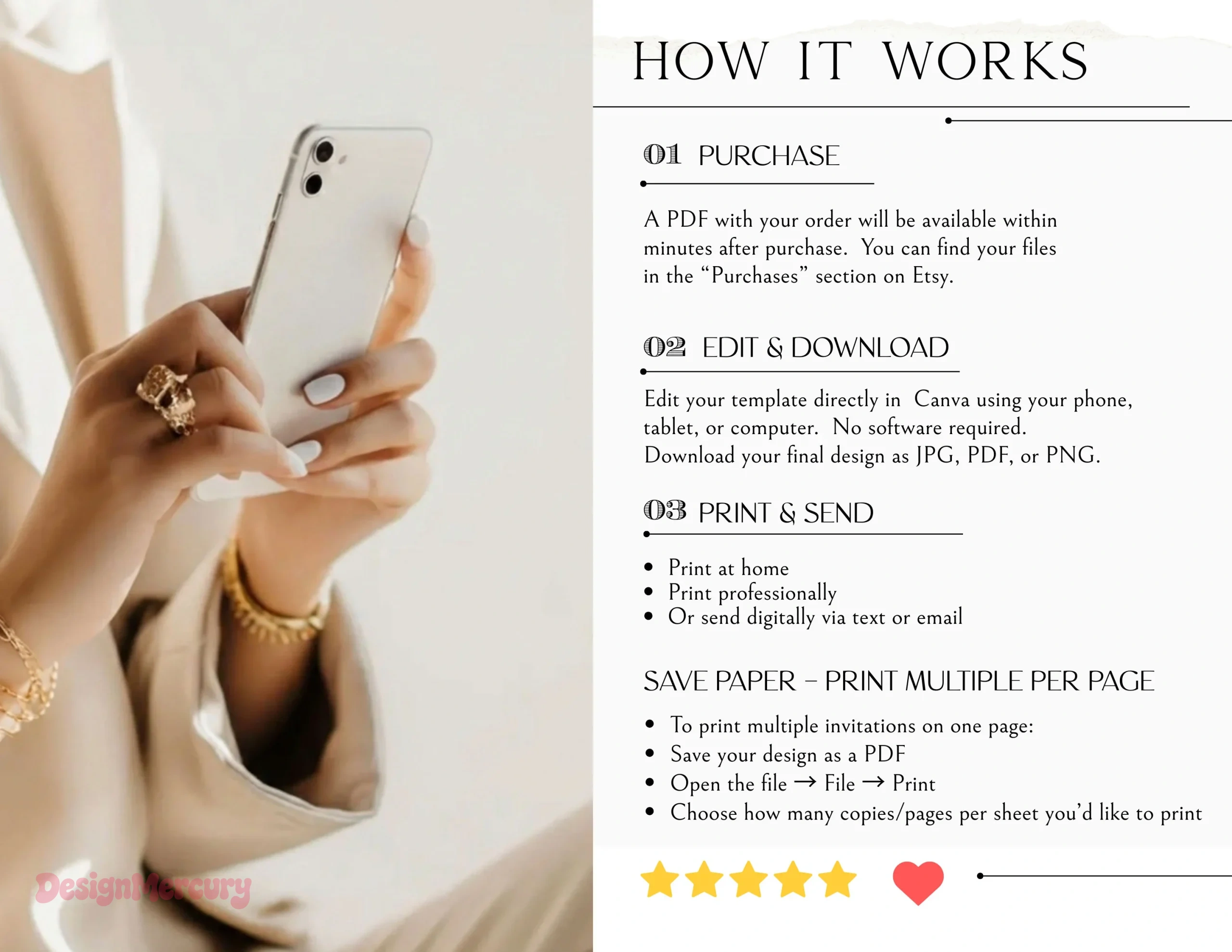
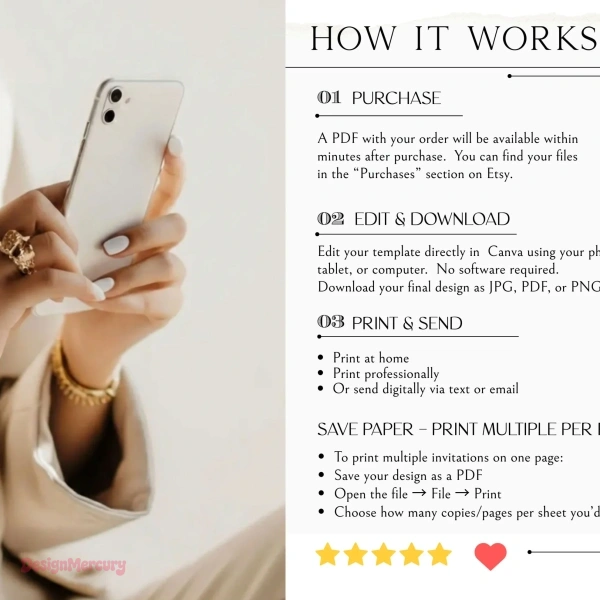
1. PURCHASE & DOWNLOAD
Complete your checkout with PayPal [you can pay with your PayPal account or a debit/credit card, where available].
Your PDF file is available for instant download after payment and is also sent to your email. Please save the PDF in a safe place.
2. OPEN YOUR CANVA TEMPLATE
Open the PDF and click the “Use Template in Canva” link or button.
Sign in to Canva or create a free account. Canva will create your own editable copy, and the original template remains unchanged.
If the link does not open on your phone, open the PDF on a computer or copy the link into your web browser.
3. EDIT YOUR DESIGN
Click any text to change it, and choose your fonts, sizes and colors.
To add a photo, drag it into the photo frame.
A free Canva account is enough, and internet access is required to edit.
4. DOWNLOAD YOUR DESIGN
In Canva, click Share, then Download.
• For printing: Choose PDF Print.
• For sharing online: Choose PNG or JPG.
5. PRINT OR SHARE
Print at home or at a print shop (see Printing & Sharing below), or send your finished design by email, text message or social media.
🖨️ PRINTING & SHARING
📄 PAPER – INVITATIONS, CARDS, THANK-YOU CARDS AND TAGS
• Recommended: matte or smooth cardstock, 80–110 lb cover (about 216–300 gsm). Thicker paper feels more premium, but check that your home printer can handle it.
• For home printers, 65–80 lb cardstock (about 176–216 gsm) is usually the safest choice. Check your printer’s manual for its maximum paper weight.
• Cardstock is sold at stores such as Walmart, Target, Staples and Michaels, and online. Look for “cardstock” or “cover stock” and check the weight on the package (lb or gsm).
• Matte or glossy photo paper also works well for 5 × 7 cards.
🏠 PRINTING AT HOME
- Download your design as PDF Print.
- Open the PDF and choose the correct paper size (for example 5 × 7 in).
- Select “Actual size” or “100%”. Do not choose “Fit to page.”
- Set print quality to “High” or “Best” and choose the paper type that matches your paper.
- Print one test page first, then print the rest.
If you print on Letter or A4 paper, download with crop marks and bleed in Canva (when available) and trim along the marks.
🏬 PROFESSIONAL PRINTING
Take your PDF to a local or online print shop (for example Staples, FedEx Office, Walmart Photo, Costco Photo, Vistaprint, or a print shop in your area; availability varies by country).
Ask them to print at 100% scale on the paper you prefer.
🎈 LARGE PRINTS – SIGNS, POSTERS, BANNERS, BACKDROPS AND OUTDOOR DECOR
Large files should be printed by a professional print shop. Tell the shop the size you need and where you will use it:
• Indoor posters and signs: Poster paper, foam board or a laminated finish.
• Banners and backdrops: Vinyl or fabric banner.
• Outdoor decor and yard signs: Weather-resistant materials such as vinyl banners or corrugated plastic (coroplast). Ask about waterproof or UV-resistant printing.
Check the size of your display stands, frames and mounting before ordering.
📱 SHARING DIGITALLY
Download as PNG or JPG and send by email, text message, WhatsApp, Messenger or social media.
🎨 COLOR NOTICE
Printed colors may vary slightly depending on your screen settings, printer, ink and paper. We cannot guarantee exact color matching.
🔒 IMPORTANT INFORMATION & POLICIES
📥 DIGITAL PRODUCT – NO PHYSICAL SHIPPING
This is an instant digital download. No physical item will be shipped.
💳 PAYMENT
Payments are processed securely by PayPal. We do not see or store your card details.
↩️ REFUND POLICY
All sales are final. Because this is a digital product delivered instantly, we do not offer refunds, returns or exchanges. This includes, but is not limited to:
• Change of mind, or buying by mistake.
• Not reading the product description, preview images or file details before purchase.
• Not being able to use Canva, or your device or internet connection not working with Canva.
• Printing results, including color differences between your screen and your printer.
• Wrong party details, spelling mistakes or date changes (you can edit your own copy at any time).
Please read the product description and preview images carefully before you buy.
If there is a problem with your files (the PDF will not open, the Canva link does not work, or you received the wrong file), contact us at support@designmercury.com within 48 hours of purchase with your Order ID, and we will fix the problem or resend your files.
If you have any issue with your order, please contact us first so we can help. We usually reply within 24–48 hours.
By purchasing, you confirm that you understand this is a digital product and that no physical item will be shipped.
🛠️ TECHNICAL SUPPORT
If you cannot open your PDF, access your Canva template, or receive the wrong file, please contact us at support@designmercury.com within 48 hours of purchase.
Include your Order ID so we can help resolve the issue or resend your files.
📂 LOST YOUR FILES?
Check your order confirmation email, or log in to My Account > Downloads if you created an account, to download your files again.
🔁 ACCIDENTAL DUPLICATE PURCHASE
If you accidentally purchase the same item twice, contact us within 48 hours and provide both Order IDs.
We will exchange the duplicate purchase for another digital item of equal or lesser value.
📜 TERMS OF USE – PERSONAL USE ONLY
✓ YOU MAY
• Edit the template for your own event.
• Print your design for personal use.
• Share your finished design with family and friends, digitally or in printed form.
✕ YOU MAY NOT
• Resell, redistribute, share, or forward the original PDF or Canva template link.
• Upload or distribute the original design on other websites or marketplaces.
• Claim the original design as your own.
• Use the design for commercial purposes or resale.
💬 NEED HELP?
Have a question or need assistance with your order?
Contact us at support@designmercury.com.
♥ Thank you for choosing DesignMercury!






Reviews
There are no reviews yet.